
Swap Your Face onto Any Celebrity Photo
Upload your photo, pick a celebrity scene, and get a realistic face swap in one click — no app download, no account required.
How to Do a Celebrity Face Swap Online
Three steps from your photo to a finished celebrity swap — no editing skills needed.
-
01
Upload your photo
Click the upload area and select a clear, front-facing photo of yourself. The tool works best with a well-lit image where your full face is visible and unobstructed. Once uploaded, a preview of your photo appears in the source panel.
-
02
Choose a celebrity scene
Browse the target gallery and click any celebrity scene — red carpet, magazine cover, movie poster, and more. Your selection highlights and loads into the swap panel. You can switch targets as many times as you like before processing.
-
03
Generate the swap
Press the swap button. The AI maps your face onto the celebrity scene and returns a composited result. Review the output in the preview window — if you want a different scene or a fresh attempt, simply pick another target and run it again.
-
04
Download your result
When you're happy with the result, click the download button to save the image to your device. The file saves at the full output resolution, ready to share on social media or send to friends.
Who Uses Celebrity Face Swap — and Why
Real scenarios where swapping your face onto a celebrity photo lands perfectly.
-
Social media fun
A fan wants to post a humorous celebrity couple face swap with their favorite star for a birthday or anniversary. The result is shareable content that gets reactions without needing any design background.
-
Gift for a superfan
Someone creating a personalized gift for a friend who obsesses over a particular celebrity can put that friend's face on a famous photo for a one-of-a-kind keepsake card or print.
-
Party invitations
Event planners and party hosts use celebrity head swaps to create themed invitations — imagine the guest of honor as a Hollywood star on a mock movie poster invite.
-
Content creators
YouTubers and TikTok creators drop a celebrity face swap into a thumbnail or reaction video to drive curiosity clicks, without spending hours in a photo editor.
-
Fan art projects
Fan communities use the tool to imagine themselves alongside their favorite musicians, athletes, or actors in iconic scenes, then share the results in fan forums and group chats.
-
Couple photo jokes
Partners swap each other's faces into famous celebrity couple portraits for a lighthearted anniversary post or a funny greeting card that references a pop-culture moment they both love.
Ready-Made Celebrity Swap Templates
-
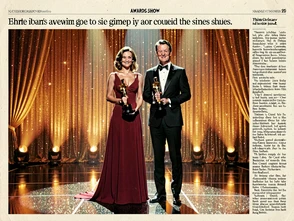
Celebrity couple face swap — awards night
Drop yourself and a partner into a classic awards-night couple portrait. Ideal for anniversary posts or Valentine's Day content that references Hollywood glamour.
-
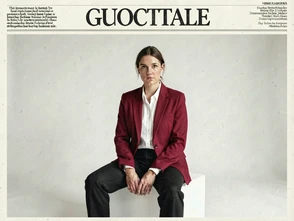
Face swap app celebrity — magazine cover
Place your face on a styled magazine cover layout. Great for birthday tributes, social media profile updates, or a fun printed gift.
-
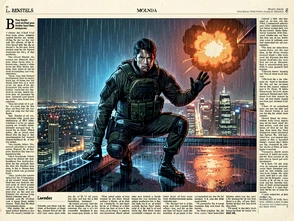
Head swap celebrity — action hero
Swap your head onto a blockbuster action hero scene. Works well for movie-themed parties, fan pages, or a dramatic profile photo.
-
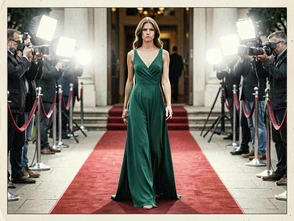
Celebrity face swap online — red carpet solo
Put your face on a solo red-carpet arrival shot. Perfect for sharing on Instagram or using as a fun profile picture update.
-
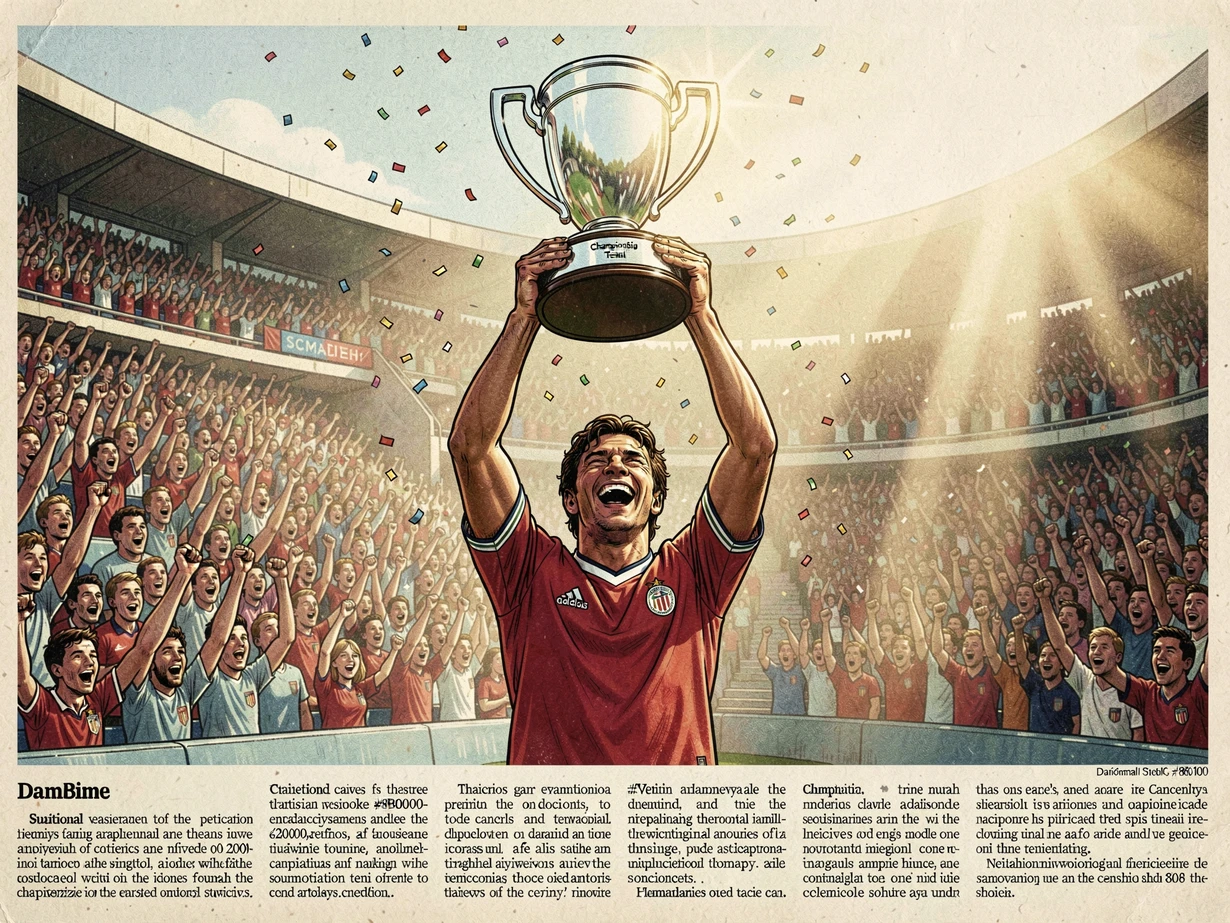
Put your face on a celebrity — sports legend
Swap your face onto an iconic sports champion photo. Ideal for sports fans, team celebrations, or a motivational desk print.
Swap Styles to Match Your Scene
-
 No. 01
Photorealistic blend
The default mode. Skin tone, lighting, and facial proportions are matched to the target photo as closely as possible. Best for celebrity scenes where you want the result to look genuinely convincing.
-
 No. 02
Stylized editorial
Applies a high-contrast editorial treatment to the composited result, giving it the look of a printed magazine spread. Useful when the output is destined for a designed layout or printed gift.
-
 No. 03
Vintage film grain
Adds a warm analog grain and slightly desaturated palette to the final swap, evoking classic 35mm celebrity photography from the 1970s and 80s. Works especially well with rock, retro, or throwback celebrity scenes.
-
 No. 04
Cinematic widescreen
Frames the composited result with a cinematic aspect and color grade, adding letterbox bars and a cool teal-orange grade. Best for movie poster and action hero swap targets.